Key Takeaways
- Integrating AI chatbots with CRMs enables contextual, personalized interactions by using existing customer data.
- ERP integration turns a chatbot into a transactional engine, capable of modifying orders, checking live inventory, and processing invoices.
- A middleware API layer is essential for secure orchestration between the Natural Language Understanding (NLU) engine and core enterprise databases.
- Automated lead capture through CRM bots ensures high-quality data entry and instant sales routing without manual intervention.
- Seamless human handoffs with full CRM context dramatically reduce resolution times and improve customer satisfaction scores.
There is a stark dividing line in the world of conversational automation between a generic "Chatbot" and an enterprise-grade "Digital Assistant." A chatbot can tell a customer your return policy is 30 days. A Digital Assistant can tell a customer that their specific 30-day return window for the blue jacket they bought on Tuesday expires next Friday, and then instantly generate a printable return label.
The difference between these two tiers of automation is entirely dependent on backend integration. An AI model isolated from your company's data is essentially a glorified FAQ page, often leading to customer frustration. To deliver true enterprise value, the conversational layer must be deeply integrated into your core systems of record: your Customer Relationship Management (CRM) and Enterprise Resource Planning (ERP) platforms.
The Architecture of an Integrated Bot
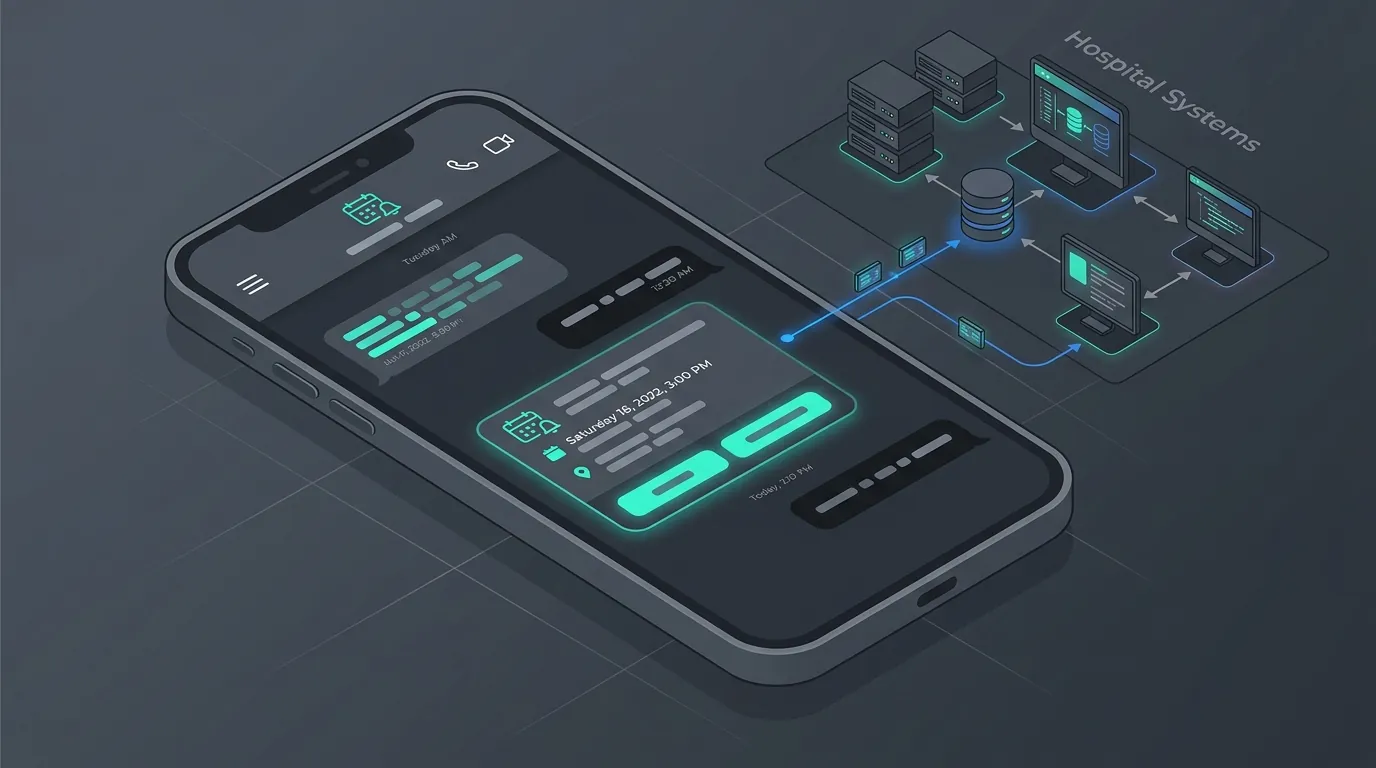
To safely connect an external messaging channel (like WhatsApp, Slack, or a web widget) to a sensitive internal database (like SAP, Oracle, or Salesforce), enterprises must deploy a robust middleware orchestration layer.
Need an Expert Opinion?
Stop guessing. Speak directly with a senior AdaptNXT engineer about your architecture, timeline, and feasibility.
Here is how a typical integrated data flow operates in real-time:
- The Core Request: A user asks the bot on WhatsApp, "Where is my order?"
- The NLU Layer: The AI engine processes the text, extracts the "Order_Tracking" intent, and identifies the user's secure authentication token or phone number.
- The API Gateway: The middleware orchestration layer receives this intent, checks the user's authentication/authorization, and fires a secure REST, GraphQL, or SOAP API call to the ERP.
- The Data Retrieval: The ERP queries the database using the unique identifier, finds the associated order, and returns a JSON payload (e.g.,
{"status": "shipped", "carrier": "FedEx", "tracking": "123456"}). - The Dynamic Response: The Natural Language Generation (NLG) engine takes that raw JSON data, wraps it in a conversational tone, and sends it back to the user instantly.
CRM Integrations: Personalization and Handoffs
Connecting your bot to CRM systems like Salesforce, HubSpot, or Microsoft Dynamics is critical for elevating the customer journey. Here are the three primary use cases:
-
Instant Contextual Recognition
When an existing customer initiates a chat, the bot triggers a CRM lookup using their phone number, IP address, or email. Instead of greeting them with a generic "Hi, how can I help?" the bot can say, "Welcome back, Sarah. I see you have an open support ticket regarding your Wi-Fi router. Are you messaging about that?" Resolving the customer's intent in the first message creates incredible brand loyalty and cuts average handling time (AHT) significantly.
-
Automated Lead Capture and Routing
For B2B bots, the conversational UI acts as a dynamic, engaging form. Instead of dropping leads into an unstructured email or excel sheet, the bot uses the CRM's API to instantly create a new "Contact" or "Lead" record. It populates fields based on the conversation (Name, Company Size, Budget) and automatically assigns the lead to the correct Account Executive based on complex territory routing rules.
-
The Seamless Human Handoff
When the bot fails to resolve an issue or detects high-risk sentiment, it must transfer the user to a human agent. Because the bot is integrated with the CRM, it doesn't just transfer a blank chat. It instantly generates a ticket in the agent's dashboard containing the complete transcript of the bot interaction, the user's account history, and recent purchases. The agent enters the chat with total visibility, preventing the user from having to repeat themselves.
ERP Integrations: The Transactional Engine
While the CRM handles the "who," the ERP handles the "what." Integrating with massive backend systems like SAP S/4HANA, Oracle ERP, or NetSuite allows the bot to execute complex, secure transactions.
- Live Inventory Checks: A B2B customer asks the bot if 500 units of a specific SKU are available. The bot queries the ERP in real-time, confirms stock in the nearest geographical warehouse, and can even place a 2-hour hold on the inventory.
- Automated Invoice Generation: A client requests a copy of last month's invoice. The bot queries the financial ledger in the ERP, generates a PDF copy, and sends it directly via the chat interface—saving the finance team hours of manual work.
- Order Modification: A user realizes they ordered the wrong size. If the ERP confirms the order hasn't hit the warehouse packing floor yet, the bot can securely modify the attributes directly in the database without involving customer service.
Summary: CRM vs. ERP Chatbot Capabilities
| Integration Type | Primary Function | Key Use Cases | Business Value |
|---|---|---|---|
| CRM (Salesforce, HubSpot) | Customer context and relationship management | Lead capture, contextual greetings, intelligent agent routing | Increases conversion rates and boosts customer satisfaction (CSAT) |
| ERP (SAP, Oracle) | Financial, supply chain, and operational transactions | Inventory lookups, invoice generation, order modifications | Reduces operational costs and offloads repetitive tasks from staff |
Security and Implementation Considerations
Building these API bridges requires robust cybersecurity protocols. You must ensure data encryption at rest and in transit, implement strict API rate limiting, and use OAuth 2.0 or JWT for secure authentication. Contact the integration engineers at AdaptNXT to map out a secure, scalable architecture between your conversational interfaces and your core systems of record.
Frequently Asked Questions (FAQ)
Is it secure to connect an AI chatbot to our ERP?
Yes, provided it is architected correctly. Integrations should utilize a secure API Gateway, implement OAuth 2.0 authentication, restrict API scopes to read-only where possible, and ensure end-to-end encryption for all transmitted payloads.
Do I need custom APIs if my CRM/ERP is legacy?
If your legacy system lacks modern REST/SOAP APIs, integration is still possible using Robotic Process Automation (RPA) bots acting as a bridge, or through specialized middleware designed to wrap legacy database queries into API endpoints.
How long does it take to deploy an integrated CRM/ERP chatbot?
A standard integration with modern cloud CRMs (like Salesforce) can take 4-6 weeks. Complex ERP integrations (like on-premise SAP) involving custom transactional logic and strict security reviews often take 3-4 months to deploy fully.