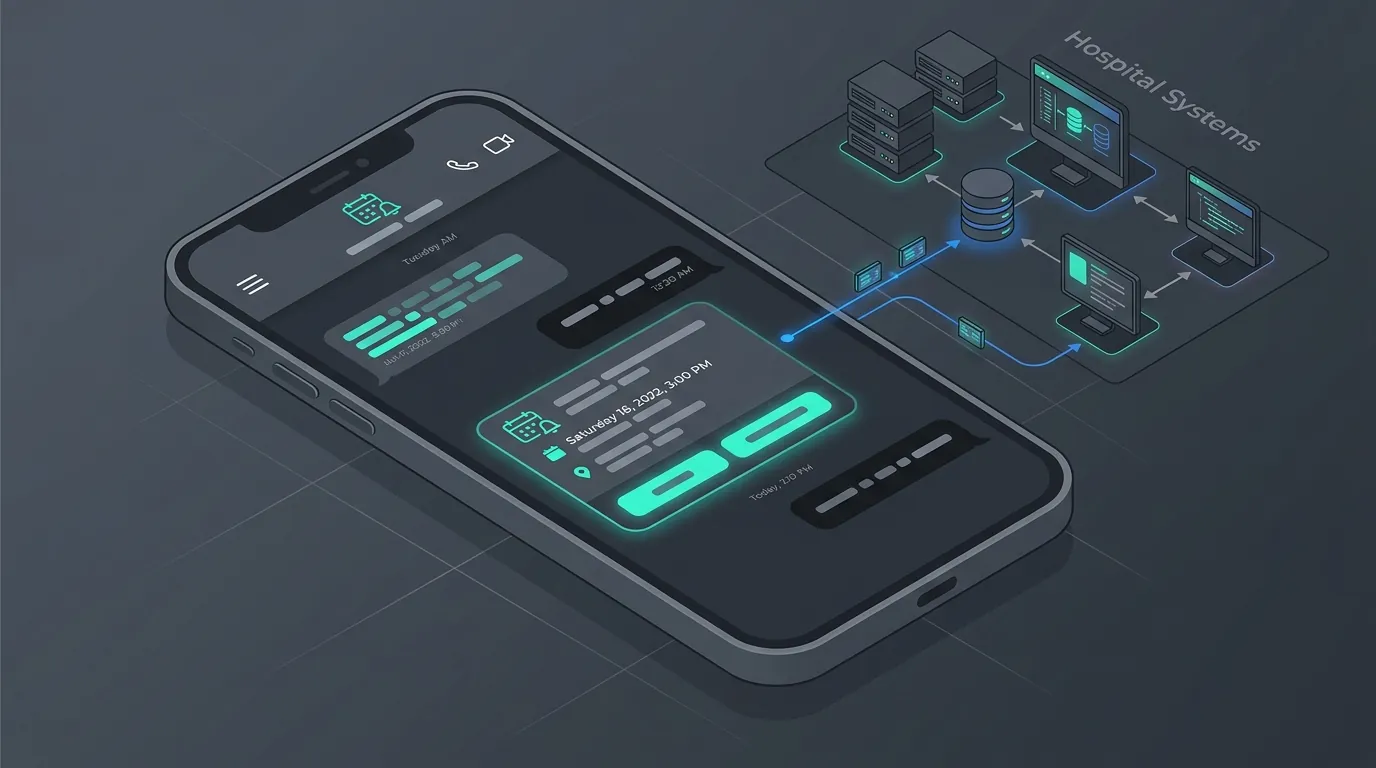
For years, conversational design on SMS and early messaging platforms relied on a clunky, error-prone mechanism: asking the user to type out specific responses. A bot would ask, "To return an item, type RETURN. To check order status, type STATUS." If a user typed "returns" or "staus" or merely swiped a typo on their keyboard, the bot would break, throwing an ugly "Sorry, I didn't understand that" error.
The introduction of Interactive Messages to the WhatsApp Business API has entirely eliminated this friction. By moving from text-based inputs to visual, tappable UI elements, businesses are seeing completion rates for automated workflows skyrocket.
Key Takeaways
- Interactive messages replace typing with tapping, eliminating typos and improving customer experience.
- They bridge the gap between traditional chat interfaces and rich app-like functionality within WhatsApp.
- Different formats exist for different needs: Quick Replies for simple choices, List Messages for complex routing, and Flows for complete forms.
- Implementing interactive elements can increase workflow completion rates by 20% to 30%.
What Are Interactive Messages?
Interactive Messages are native, structured templates that render visual buttons and menus within the WhatsApp chat thread. Instead of typing, the customer simply taps their choice. Under the hood, these messages send a structured payload back to the business's server, ensuring absolute accuracy for webhook triggers—zero typos, zero NLP failures. This paradigm shift significantly reduces conversational dead-ends and lowers customer frustration scores.
Need an Expert Opinion?
Stop guessing. Speak directly with a senior AdaptNXT engineer about your architecture, timeline, and feasibility.
There are four primary types of Interactive Messages you need to be using. We explore each below.
-
Reply Buttons (Quick Replies)
Reply buttons are used for rapid, short-term decision making where the options are limited (maximum of 3 buttons). They attach directly to the bottom of a text or media message.
- Use Case: Confirming appointments (Yes, Reschedule, Cancel).
- Use Case: Quick surveys (Excellent, Average, Poor).
- Why they work: They are immediate. The cognitive load required to tap "Yes" compared to typing "Yes" is imperceptible, resulting in instantly higher response rates for time-sensitive prompts.
-
List Messages
When you have more than three options, buttons become visually messy. List messages present a single button (e.g., "View Menu" or "Select Department") that, when tapped, slides up a native iOS/Android menu drawer containing up to 10 distinct options. Lists can even be categorized into sections.
- Use Case: Customer support routing (Billing, Tech Support, Sales, Upgrades, Cancellations).
- Use Case: Store locators (Selecting a city/region from a list of branches).
- Why they work: They keep the chat interface remarkably clean while offering complex navigation trees, preventing the user from feeling overwhelmed by choices.
-
Product Messages
Part of the WhatsApp Commerce ecosystem, Product Messages pull items directly from your integrated Meta Catalog. You can send a Single Product Message (showing one item with a 'View' button) or a Multi-Product Message (allowing the user to browse a mini-carousel of up to 30 items structured in categories).
- Use Case: Personalized recommendations based on previous purchase history.
- Why they work: It eliminates the need to push the user to an external web browser, significantly reducing funnel drop-off during mobile shopping.
-
Flow Messages (Advanced Forms)
WhatsApp Flows are the newest and most powerful addition to interactive messaging. They allow businesses to build native forms directly inside WhatsApp. Instead of sending users external links to fill out surveys or book appointments, a Flow opens an in-app overlay with text fields, date pickers, dropdowns, and checkboxes.
- Use Case: Lead capture forms (Name, Email, Industry).
- Use Case: Complex appointment scheduling with date and time selectors.
- Why they work: Forms have notoriously high abandonment rates when users are forced to load a slow external webpage. Native Flows load instantly.
"Interactive messages bridge the gap between a chat interface and an application UI. They provide the structure of a website with the intimacy of a conversation."
Comparing Interactive Message Types
| Message Type | Max Options | Best For | Primary Benefit |
|---|---|---|---|
| Reply Buttons | 3 Buttons | Yes/No, Quick Actions | Instant tap, lowest cognitive load |
| List Messages | 10 Items | Menus, Routing, Locations | Clean UI for multi-option selection |
| Product Messages | 30 Products | E-commerce, Recommendations | In-chat browsing without external links |
| WhatsApp Flows | Unlimited Inputs | Surveys, Appointments, Leads | Complete forms natively in WhatsApp |
Rules for Using Interactive Messages
While powerful, there are architectural guidelines established by Meta that you must follow:
- No Overlap: You cannot combine Reply Buttons and List Menus in the exact same message bubble. They must be sent sequentially based on workflow logic.
- Character Limits: Button text is strictly limited to 20 characters. You must be concise. "Yes, I agree" works. "Yes, I agree to the terms and conditions" will fail validation.
- Platform Parity: Ensure your API backend logic handles the edge case where a user on an extremely outdated version of WhatsApp (or WhatsApp Web in some scenarios) receives a fallback text format.
The Impact on ROI
The impact of migrating from text inputs to interactive buttons is measurable immediately. Data across enterprise deployments consistently shows a 20% to 30% increase in bot containment rates (users successfully completing the workflow without needing a human agent) simply because the friction of typing is removed. Furthermore, time-to-resolution drops heavily as users speed through decision trees.
If your current WhatsApp bot relies on users typing responses, you are leaving money and efficiency on the table. Contact our team to upgrade your conversational flows with modern interactive UI elements.
Frequently Asked Questions (FAQ)
Do Interactive Messages work on WhatsApp Web?
Yes, most interactive elements like Buttons and List messages are fully supported on WhatsApp Web and Desktop applications, providing a seamless multi-device experience.
Are there extra costs for sending Interactive Messages?
No, interactive messages are charged based on standard conversation pricing models by Meta; the UI components themselves do not carry an extra fee.
Can I put a URL directly into a Reply Button?
No, Reply Buttons trigger a webhook event back to your server. To send a clickable link, you must use a standard URL Call-to-Action button in a WhatsApp Template message.